
 Image 1 of 5
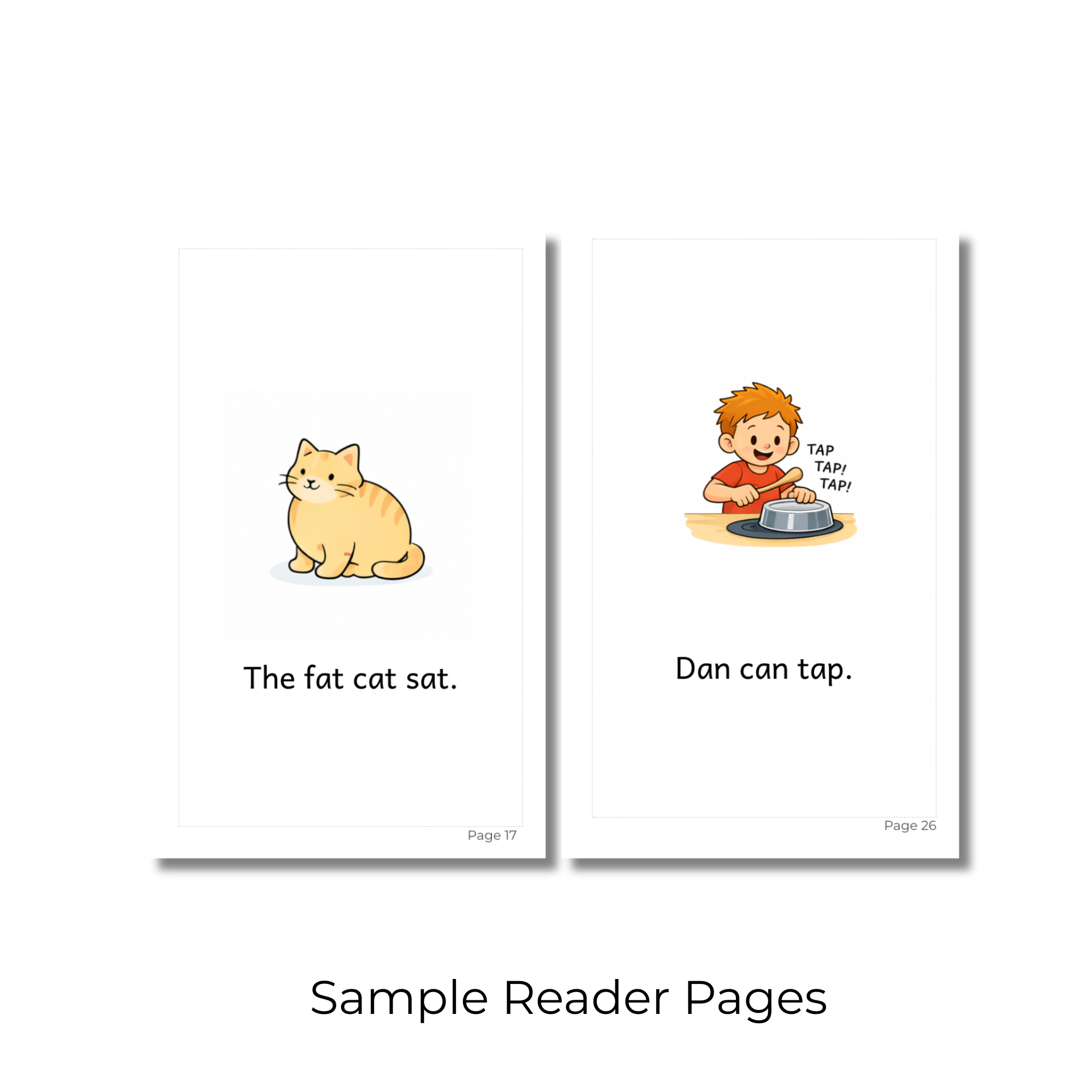 Image 2 of 5
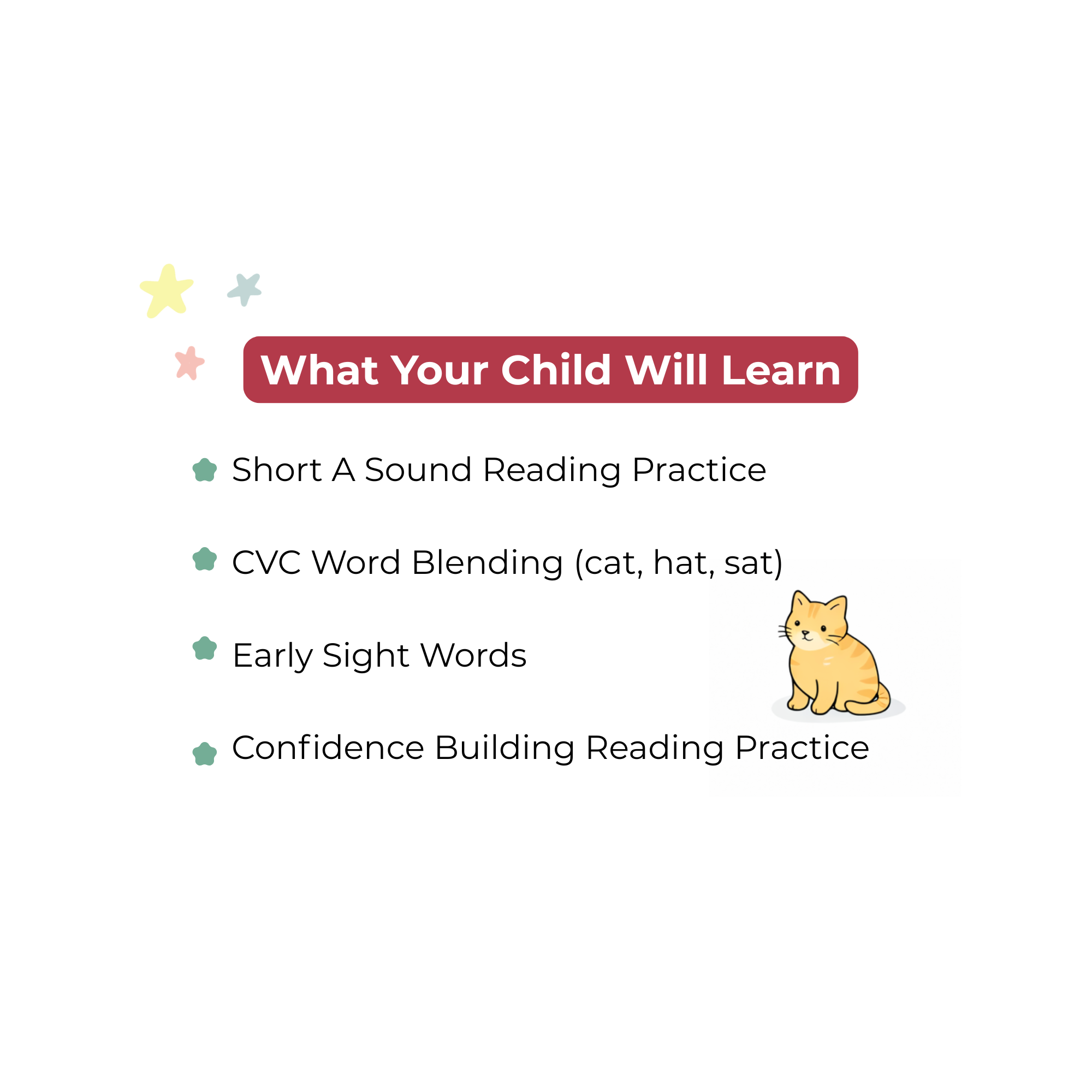 Image 3 of 5
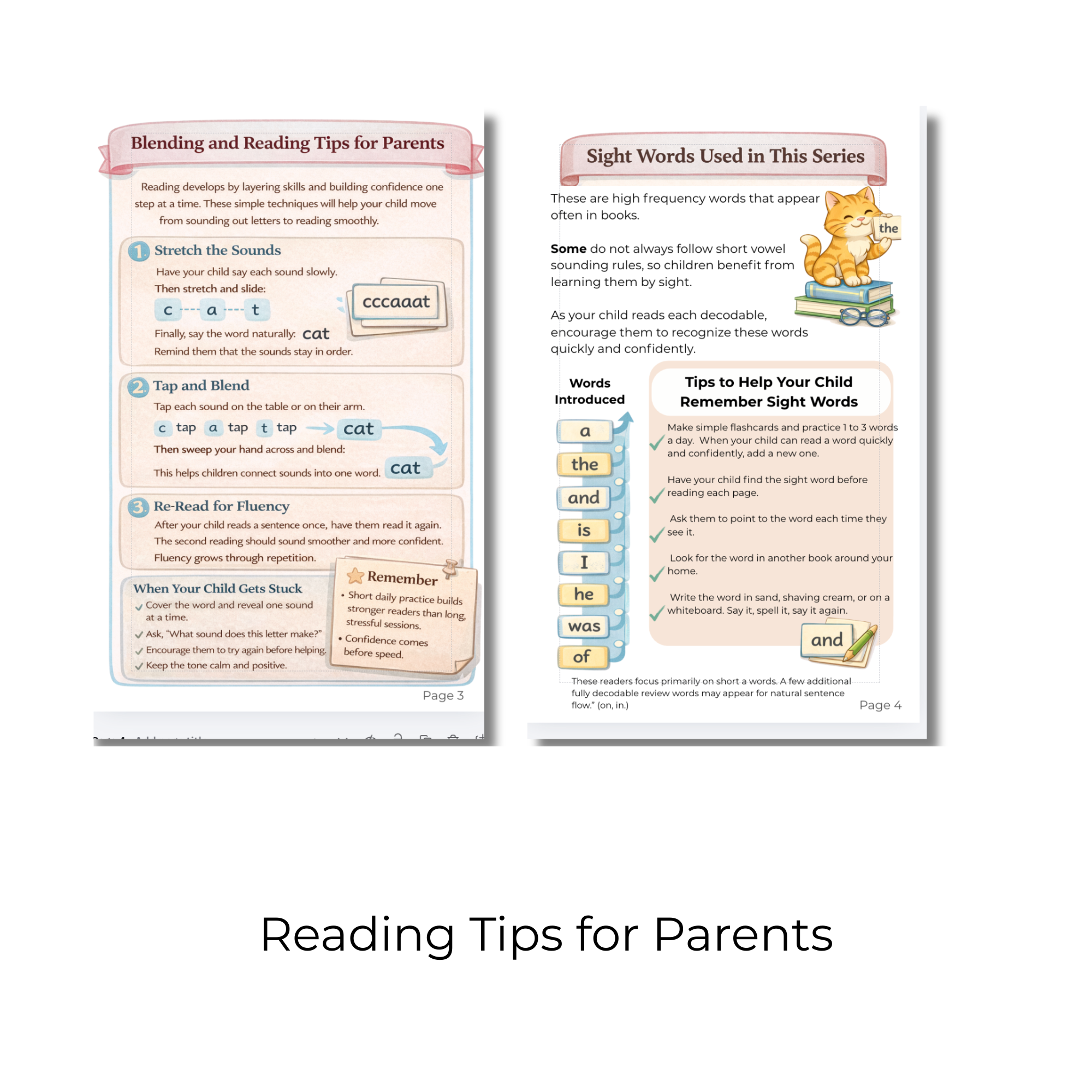 Image 4 of 5
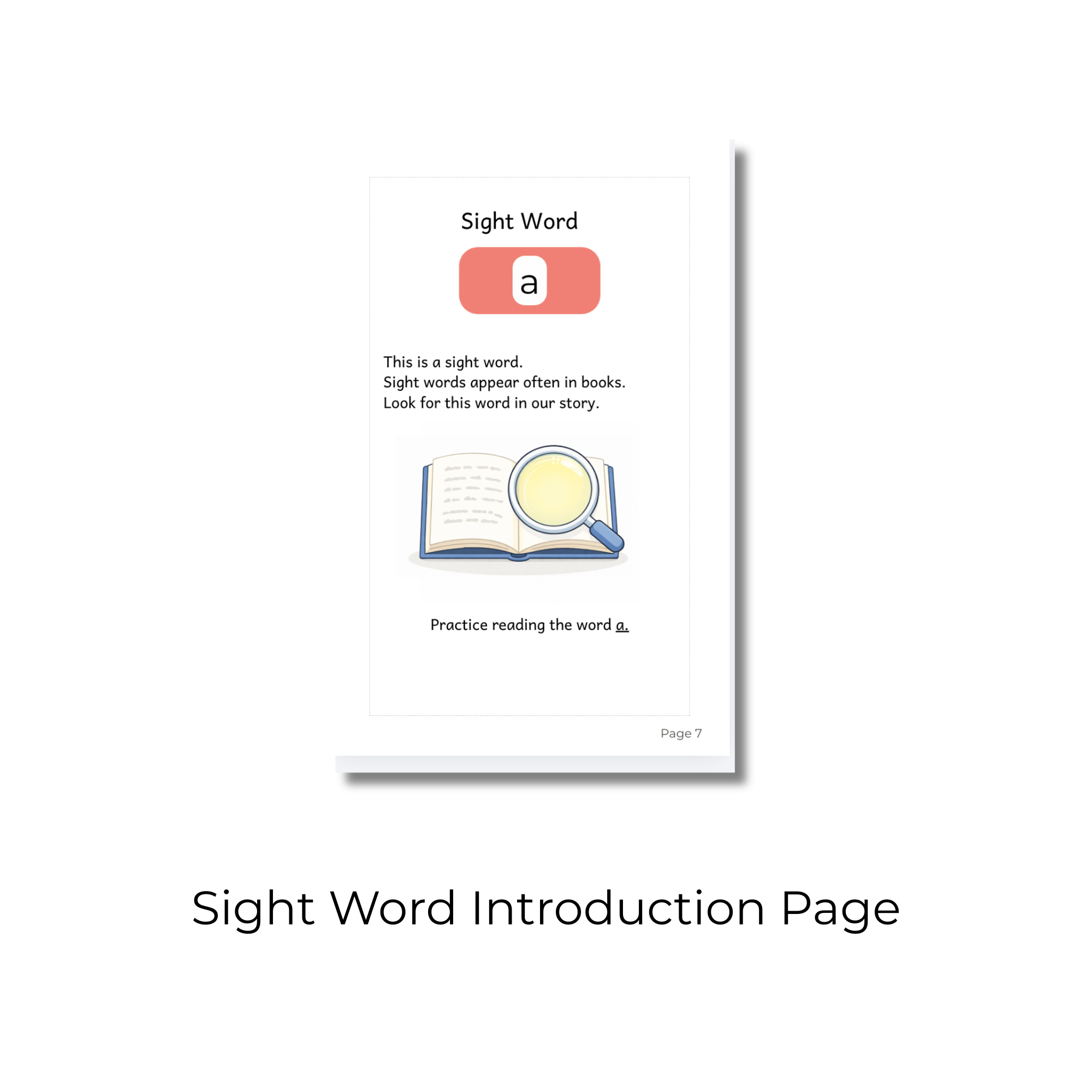 Image 5 of 5
📚 START HERE for beginning readers!
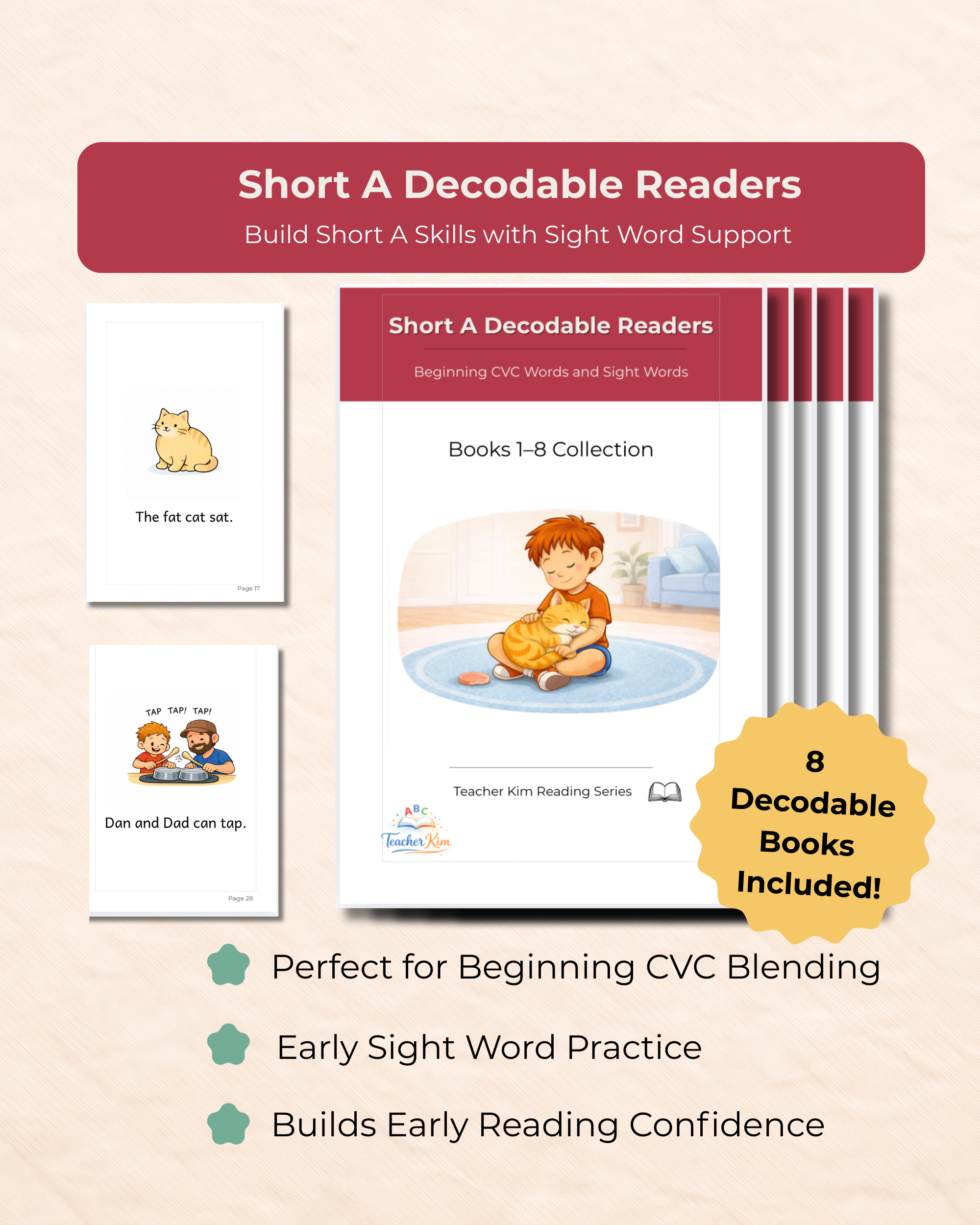
This set includes 8 short A decodable readers (76 pages total) designed for children who are just beginning to blend sounds and read simple words.
Part of the Teacher Kim Beginning Reading Series
These readers introduce CVC words (consonant vowel consonant) such as:
cat, hat, map
These simple word patterns help children practice sounding out words and building early reading confidence.
These readers begin with simple short A words and gradually build by combining phonics skills with high-frequency sight words.
📖 What’s Included
✔ 8 decodable books
✔ 76 pages of reading practice
✔ Short A CVC word focus
✔ Gradually increasing reading difficulty
⭐ Features That Support Early Readers
• simple sentences for reading success
• large, clear text for new readers
• supportive illustrations that match the words
• sight word introduction page before reading
• short parent guide with blending tips
• structured progression across the series
🔤 Sight Words Practiced in This Set
a
the
to
and
is
I
he
was
of
🌟 Designed to Help Children
• blend letter sounds into words
• read simple sentences
• build confidence as beginning readers
📚 Start the Teacher Kim Beginning Reading Series
These readers are the first set in the Teacher Kim Beginning Reading Series, designed to help children build strong phonics foundations one vowel sound at a time.
👉 Continue with the Short I Decodable Readers
🖨️ Easy Half-Page Printing (Mac & PC)
Designed at 5.5" x 8.5" to fit little hands and save paper! To print two pages side-by-side on standard 8.5" x 11" Letter paper, open your PDF and follow the steps for your program below:
Option 1: Using Adobe Reader (Recommended for both Mac & PC)
Click Print.
Under Page Sizing & Handling, select Booklet.
Set Booklet subset to Both sides (if your printer does double-sided) or Front side only.
Leave orientation on Auto-rotate pages (the software will automatically flip the layout to fit).
Option 2: Using Web Browsers (Chrome, Safari, Edge, or Mac Preview)
Click Print.
Look for Pages per sheet (sometimes under More Settings or Layout) and select 2.
Ensure Scale is set to Fit to printable area or Fit to paper.
Due to the digital nature of this product, all sales are final and refunds are not available. Please review the product details and previews carefully before purchasing to ensure it is the right fit for your learner..
📚 START HERE for beginning readers!
This set includes 8 short A decodable readers (76 pages total) designed for children who are just beginning to blend sounds and read simple words.
Part of the Teacher Kim Beginning Reading Series
These readers introduce CVC words (consonant vowel consonant) such as:
cat, hat, map
These simple word patterns help children practice sounding out words and building early reading confidence.
These readers begin with simple short A words and gradually build by combining phonics skills with high-frequency sight words.
📖 What’s Included
✔ 8 decodable books
✔ 76 pages of reading practice
✔ Short A CVC word focus
✔ Gradually increasing reading difficulty
⭐ Features That Support Early Readers
• simple sentences for reading success
• large, clear text for new readers
• supportive illustrations that match the words
• sight word introduction page before reading
• short parent guide with blending tips
• structured progression across the series
🔤 Sight Words Practiced in This Set
a
the
to
and
is
I
he
was
of
🌟 Designed to Help Children
• blend letter sounds into words
• read simple sentences
• build confidence as beginning readers
📚 Start the Teacher Kim Beginning Reading Series
These readers are the first set in the Teacher Kim Beginning Reading Series, designed to help children build strong phonics foundations one vowel sound at a time.
👉 Continue with the Short I Decodable Readers
🖨️ Easy Half-Page Printing (Mac & PC)
Designed at 5.5" x 8.5" to fit little hands and save paper! To print two pages side-by-side on standard 8.5" x 11" Letter paper, open your PDF and follow the steps for your program below:
Option 1: Using Adobe Reader (Recommended for both Mac & PC)
Click Print.
Under Page Sizing & Handling, select Booklet.
Set Booklet subset to Both sides (if your printer does double-sided) or Front side only.
Leave orientation on Auto-rotate pages (the software will automatically flip the layout to fit).
Option 2: Using Web Browsers (Chrome, Safari, Edge, or Mac Preview)
Click Print.
Look for Pages per sheet (sometimes under More Settings or Layout) and select 2.
Ensure Scale is set to Fit to printable area or Fit to paper.
Due to the digital nature of this product, all sales are final and refunds are not available. Please review the product details and previews carefully before purchasing to ensure it is the right fit for your learner..